/What%20happens%20after%20the%20session.jpeg)
What Happens After Your Headshot Session
 Nadia Chapman : Dec 3, 2025, 10:27:34 AM
/Multiple%20Crops%20-%20why.jpeg)
As your photographer, my goal is to give you headshots that work wherever you show up—on LinkedIn, your website, press kits, conference programs, and beyond. That’s why, for classic headshot sessions, I deliver a small set of thoughtfully crafted crops for each selected image:
Below, I’ll share what each crop is, why it matters, and where you’ll find it most useful. (Note: This mainly applies to classic headshots; some personal branding/portrait images may not be provided in all of these crops.)
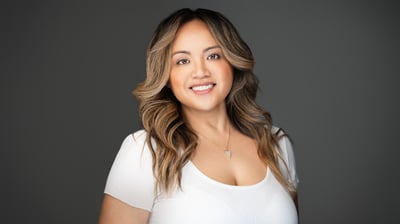 1) Uncropped (Master)
This is the clean, full-frame image. I include it so you (or your designer) have maximum flexibility for future needs—website banners, print layouts, or any unexpected use where a custom crop is helpful. Think of it as your “master file.”
Best for: designers, future-proofing, custom layouts.
Why I include it: It preserves every pixel, allowing us to adapt for new platforms or brand changes without re‑shooting.

Square is the universal avatar. Many platforms either prefer or comfortably display square profile photos. Delivering a finished square crop saves you time and ensures your face sits in the right place for small screens. Square crops aren't always symmetrical, in some cases an off-centered square crop draws the eye, and is more unique.
Best for: profile photos across social platforms, staff directories, email signatures.
Why I include it: Consistency. A well-composed square keeps your features centered and readable even at tiny sizes.
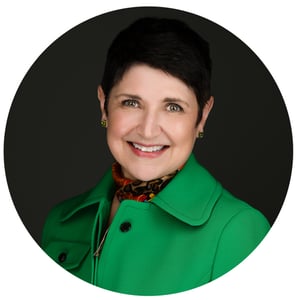 3) Round
A lot of apps mask profile images into a circle. By delivering a dedicated round version, I make sure your expression and shoulders are framed so the circular edge never cuts into anything important.
Best for: platforms that display circular avatars, conference badges, internal comms tools.
Why I include it: What you see is what they’ll see. No surprises when a platform auto-rounds your photo.
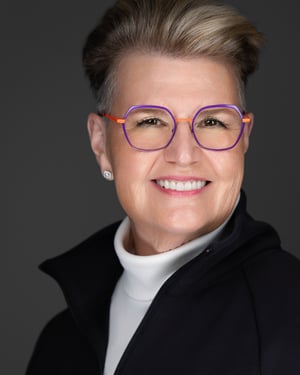
Vertical (portrait) crops are ideal for speaker one‑sheets, PR features, bio pages, and mobile-first layouts. They give designers room for text alongside your image while keeping your face prominent.
Best for: media kits, speaking engagements, website bios, vertical website blocks.
Why I include it: Versatility in print and web design where a vertical image simply fits better.
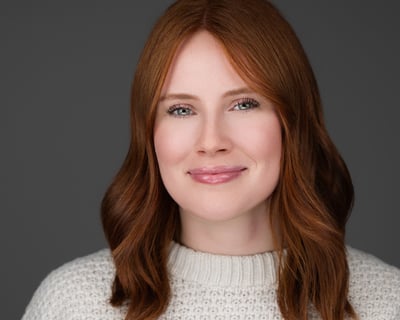
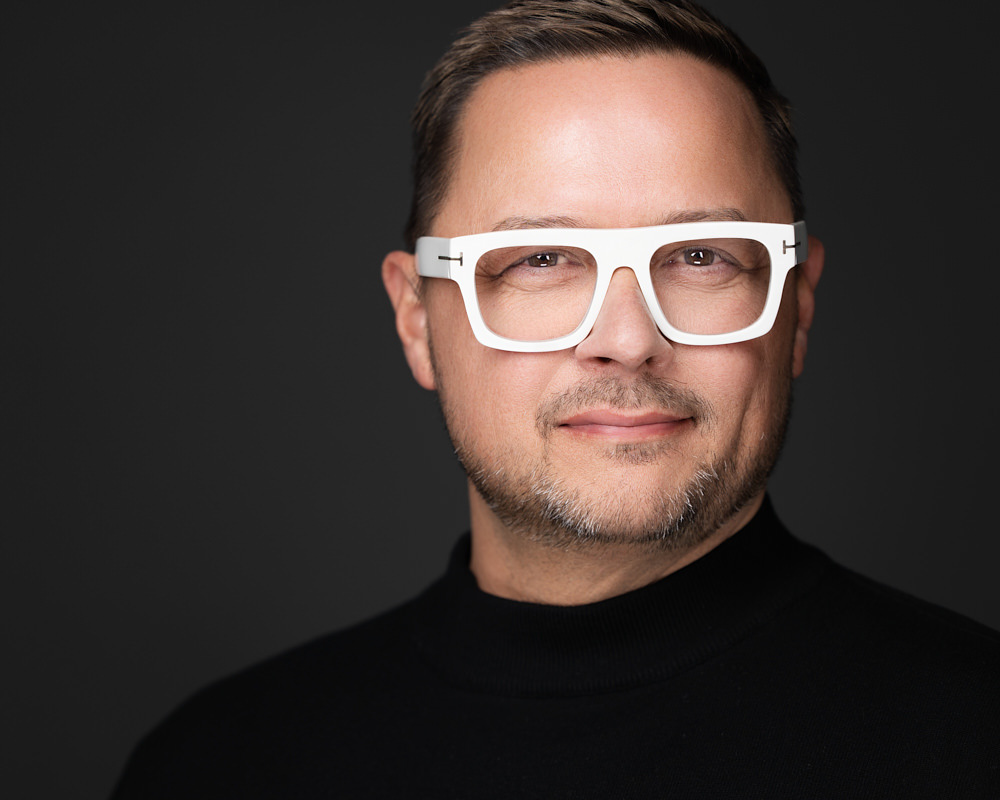
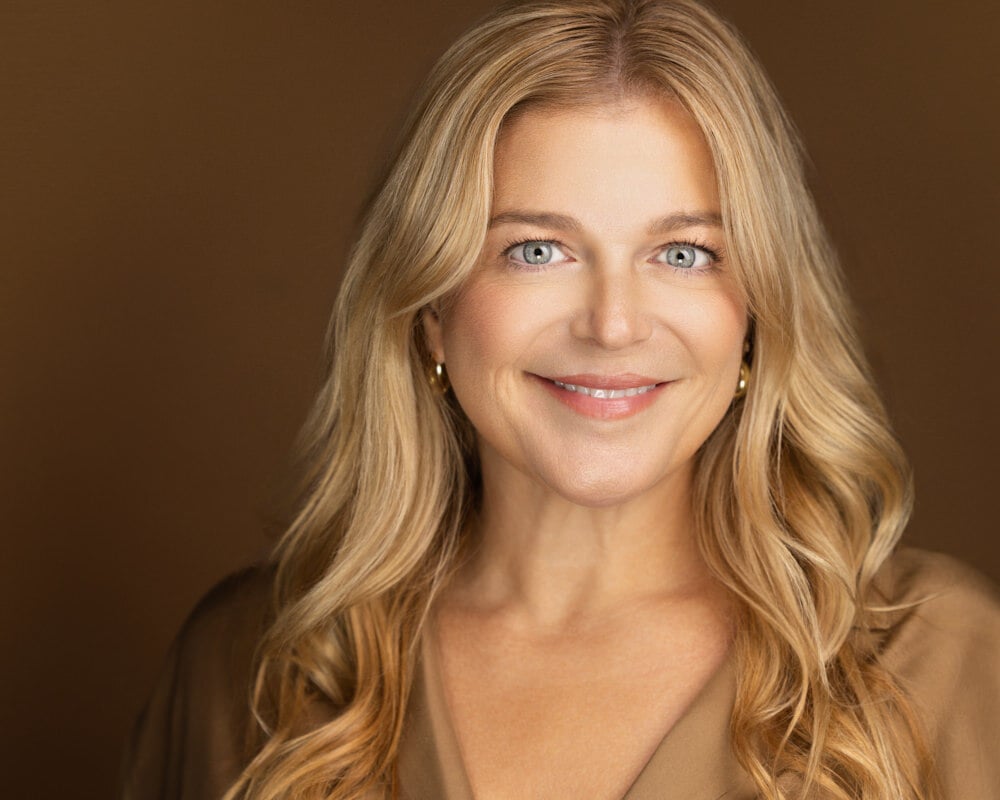
This is my hallmark: a close, cinematic horizontal crop, that draws the viewer into your expression. It has an editorial feel that works beautifully for hero sections, banner placements, and brand storytelling.
Best for: website hero banners, email headers, press features, slides, and anywhere you want high emotional impact.
Why I include it: Intention. This crop is designed to communicate presence and confidence at a glance.
Clarity at any size: Your face should read instantly—from a tiny chat bubble to a homepage banner.
Platform-proofing: Different sites and apps crop differently. I deliver versions that look great everywhere.
Brand consistency: My crops are created intentionally to reflect your brand—or your company’s—so every image aligns with where and how you want to be seen.
Design flexibility: Creative teams get plug‑and‑play options without guesswork or re-edits.
Future readiness: As platforms evolve, your master (uncropped) file gives us room to adapt.
Note on personal branding & portrait sessions: Not every storytelling image is suited to every crop. When an image relies on environment, gesture, or negative space, I’ll preserve the strongest composition rather than force all five crops.
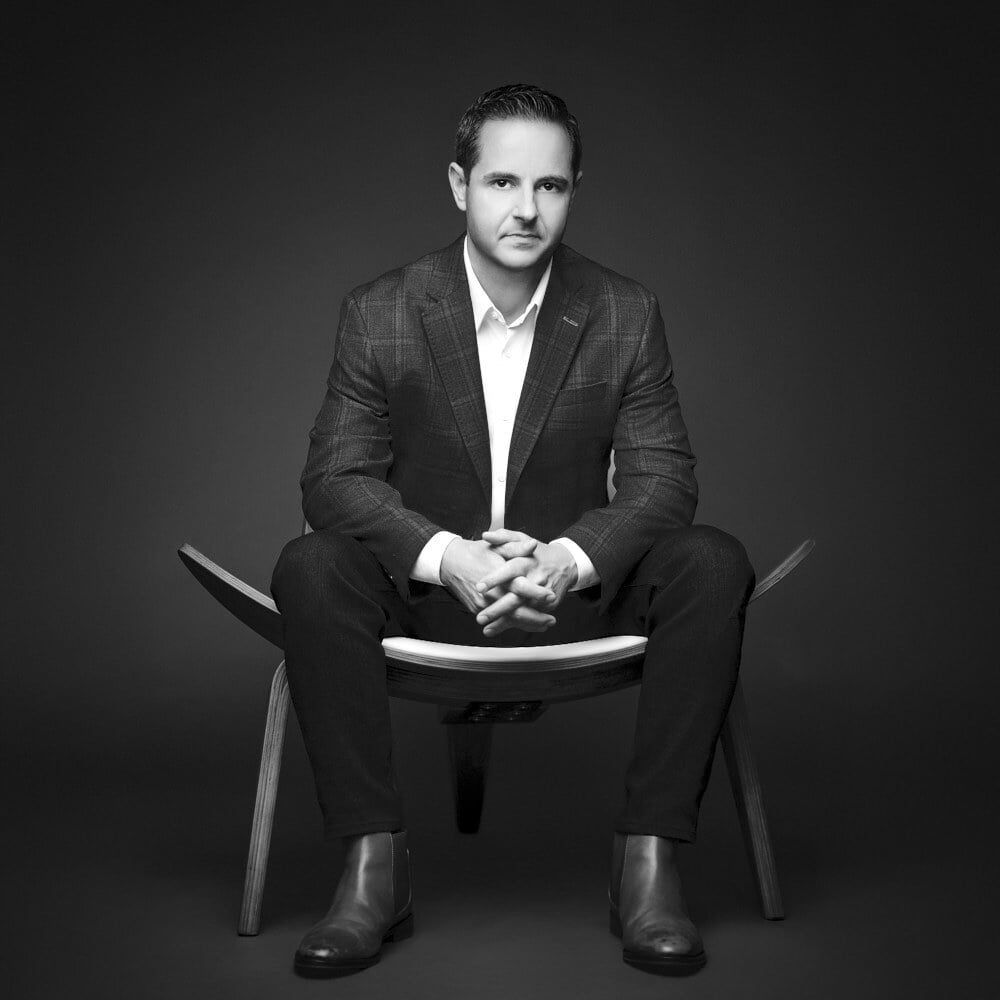
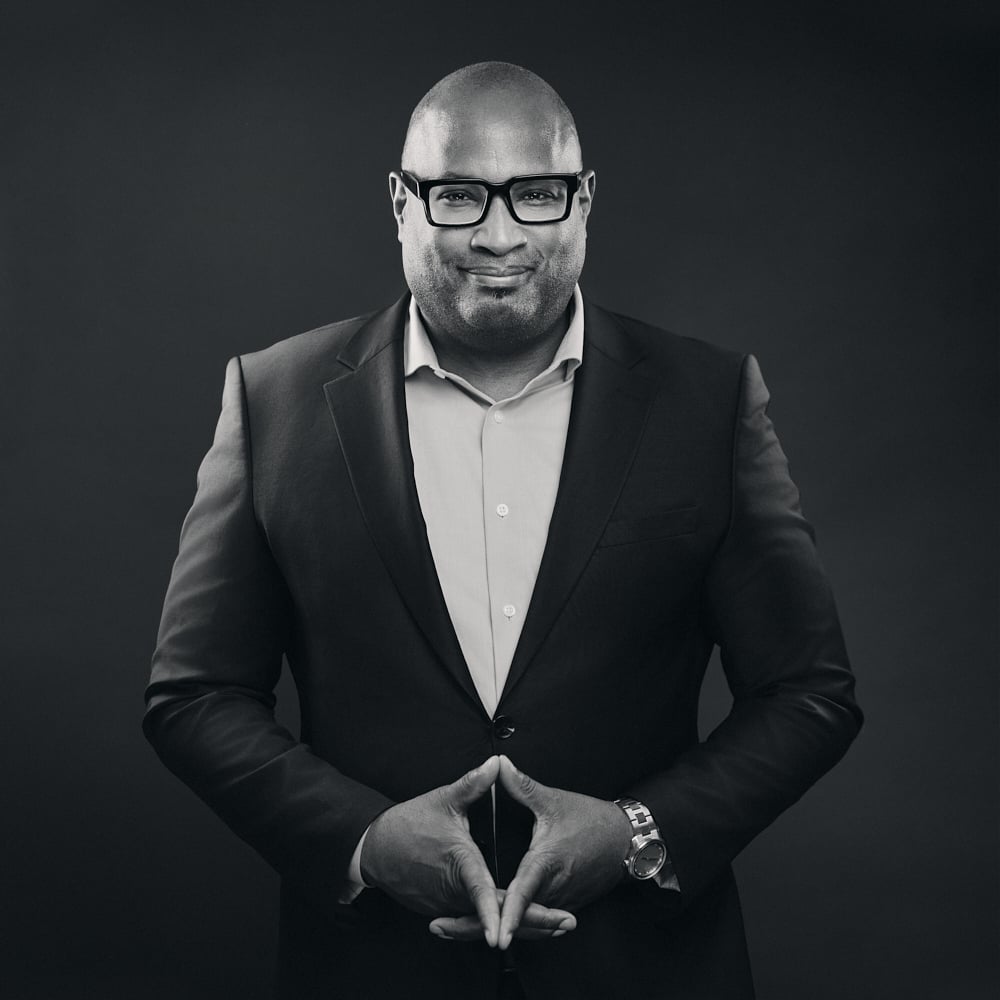
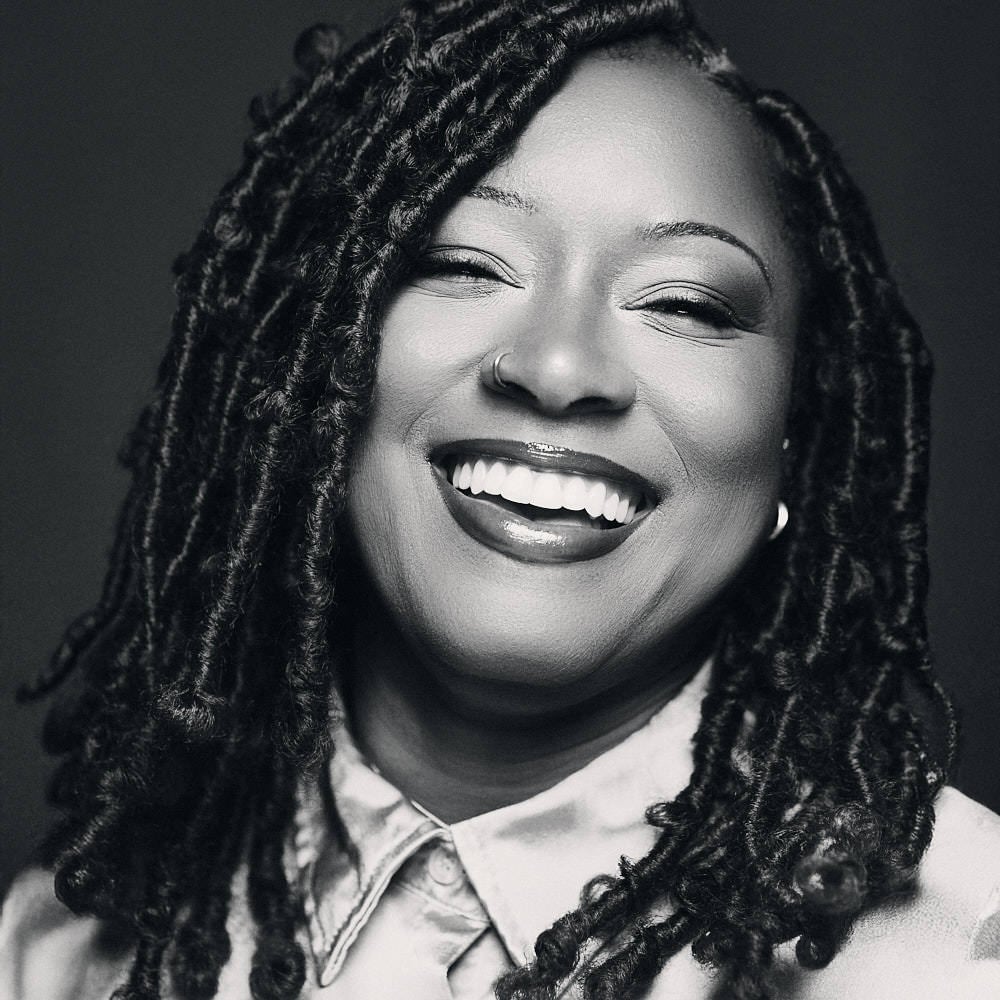
LinkedIn/profile avatars: Use the round or square version. They’re optimized to survive auto-cropping.
Website bios & PR: Use the portrait or square. Portrait gives designers room for copy; square is tidy for grids.
Hero banners & slides: Reach for the tight landscape for a confident, editorial look.
Anything custom: Hand your uncropped file to a designer and let them tailor a crop to the layout.
Do I need to download and use all five?
Not at all. Use what fits the platform. The point is to make it easy, not overwhelming.
Will every image have all five crops?
For classic headshots, yes. For personal branding/portraits, I may deliver fewer to preserve the strongest composition.
What if my company has strict brand guidelines?
Share them before the session. I’ll shoot with those requirements in mind and deliver files that align perfectly.
Great headshots are more than a nice photo—they’re a toolkit. By delivering uncropped, square, round, portrait, and my signature tight landscape crop, I’m making sure your images look intentional and on-brand anywhere you’re seen. If you’re planning a website refresh, press push, or speaking tour, let me know and I’ll prepare the set with your end goals in mind.
If you are looking for a headshot photographer:
/Samantha%20Edwards%20Before%20and%20After.jpeg)
Nadia Chapman : Sep 22, 2025, 10:36:07 PM
Step behind the scenes and discover the professional secrets of headshot editing in Photoshop for stunning, client-ready results.
Nadia Chapman : Sep 18, 2025, 6:52:23 PM
In today’s visually driven business world, your headshot is your digital handshake—setting the tone for your personal brand and leaving a memorable...
Nadia Chapman : Sep 18, 2025, 5:55:08 PM
Attract your ideal clients and convey confidence with professional headshots that reflect your business brand. As an entrepreneur starting a...
Nadia Chapman : Sep 22, 2025, 10:36:07 PM
Step behind the scenes and discover the professional secrets of headshot editing in Photoshop for stunning, client-ready results.
Nadia Chapman : Sep 18, 2025, 6:52:23 PM
In today’s visually driven business world, your headshot is your digital handshake—setting the tone for your personal brand and leaving a memorable...
Nadia Chapman : Sep 18, 2025, 5:55:08 PM
Attract your ideal clients and convey confidence with professional headshots that reflect your business brand. As an entrepreneur starting a...